Note This requires your Zendesk Account to have a minimum Suite plan of Professional or above
Step 1: Sign Into Your Zendesk Account
- Sign in to your Zendesk Account as an Admin and navigate to the Admin Center
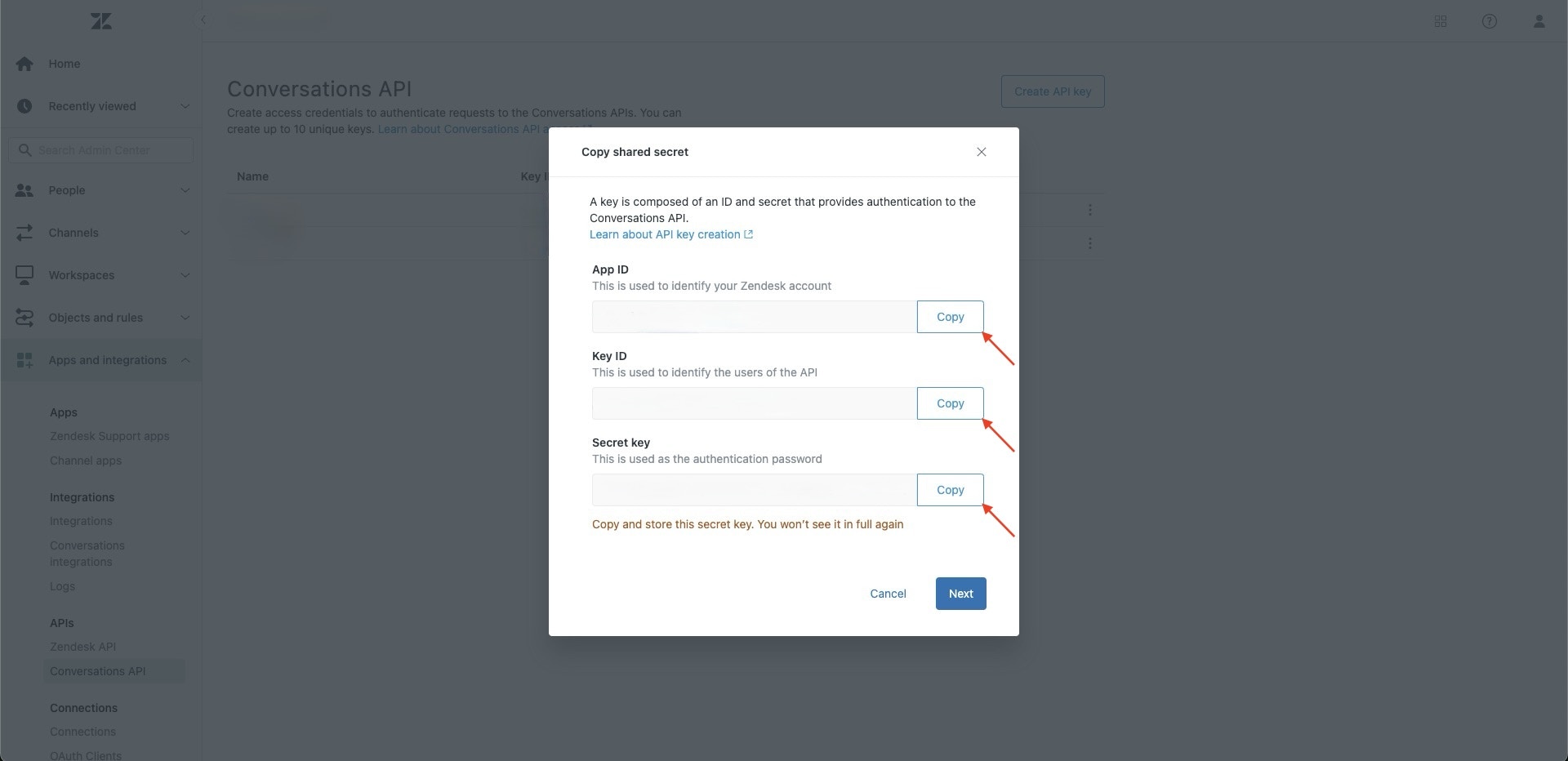
- Navigate to Apps and integrations > APIs > Conversations API
- Click on Create API Key, enter Chatbase as the name and press Next
- Copy the App ID, Key ID and Secret key displayed