

Setup Guide
Before you start
- A Chatbase account with an agent
- A HubSpot account with permissions to install apps
- A paid Chatbase plan with Integrations enabled
1
Open your Chatbase agent
Go to your Chatbase dashboard and select the agent you want to connect.
2
Connect HubSpot
Go to the Integrations tab, find HubSpot, and click Connect.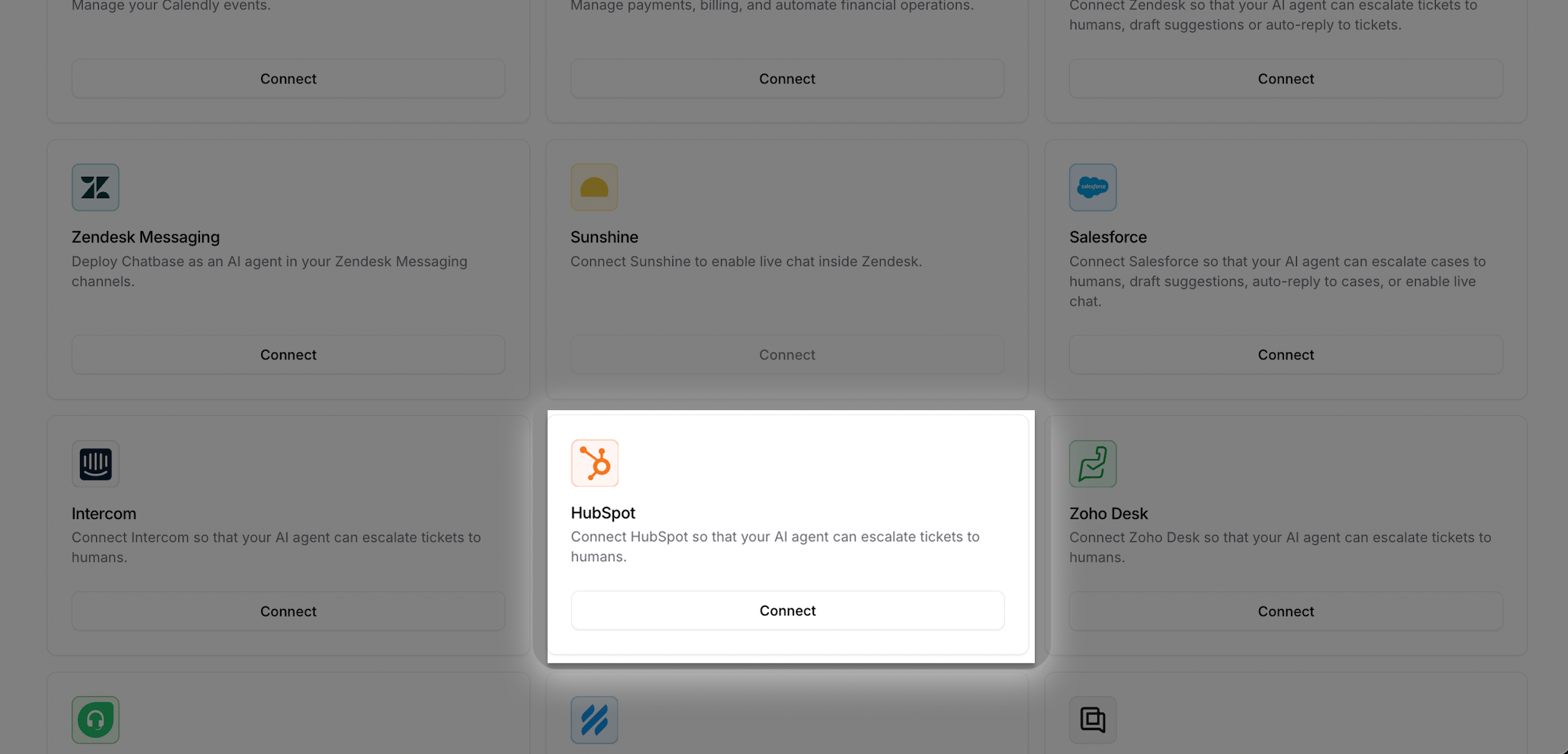
3
Approve the requested scopes
You will be redirected to HubSpot. Review the requested permissions and click Connect app.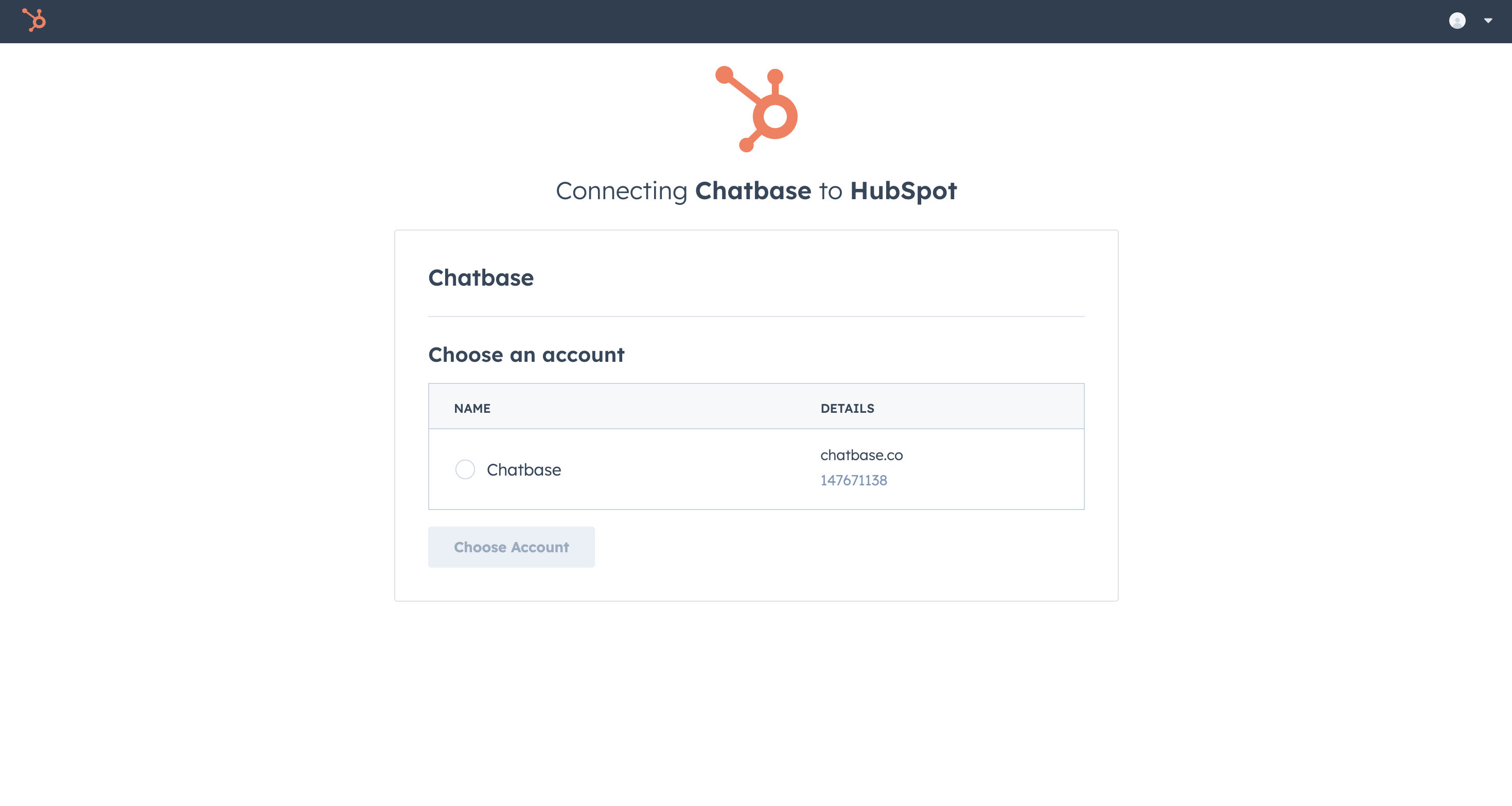
4
Confirm the connection
After approval, you will return to Chatbase and see HubSpot marked as Connected.
Configure the ticket action
Create a ticket action so your agent can open tickets in HubSpot.1
Create a ticket action
Go to Build → Actions → Create action → Escalations
2
Select HubSpot
Choose HubSpot as the ticket platform, then fill in the ticket fields.
3
Save and test
Save the action and run a test conversation to verify a ticket is created in HubSpot.