
Integrating Zoho Desk with Chatbase allows your custom agent to automatically escalate complex customer issues to your human support team by creating a ticket directly in Zoho Desk. The AI agent generates a Zoho Desk ticket that includes a clear summary of the user’s issue along with the relevant conversation context. This ensures that when a case requires human attention, your support team receives all the necessary information upfront, eliminating the need for customers to repeat themselves. The AI handles routine inquiries instantly, and when escalation is needed, Zoho Desk becomes the system where your human agents step in to resolve the issue. This guide will walk you through the steps required to connect your agent to Zoho Desk and configure automated ticket creation for smooth handoffs to your support team.

Setup Guide

Here’s how to integrate a Chatbase agent with your Zoho Desk account

Step 1: Connect to Zoho Desk

  • Login to your Chatbase dashboard
  • Select your Agent
  • Choose Settings
  • Select Integrations
  • Click Connect under Zoho Desk to authorize access
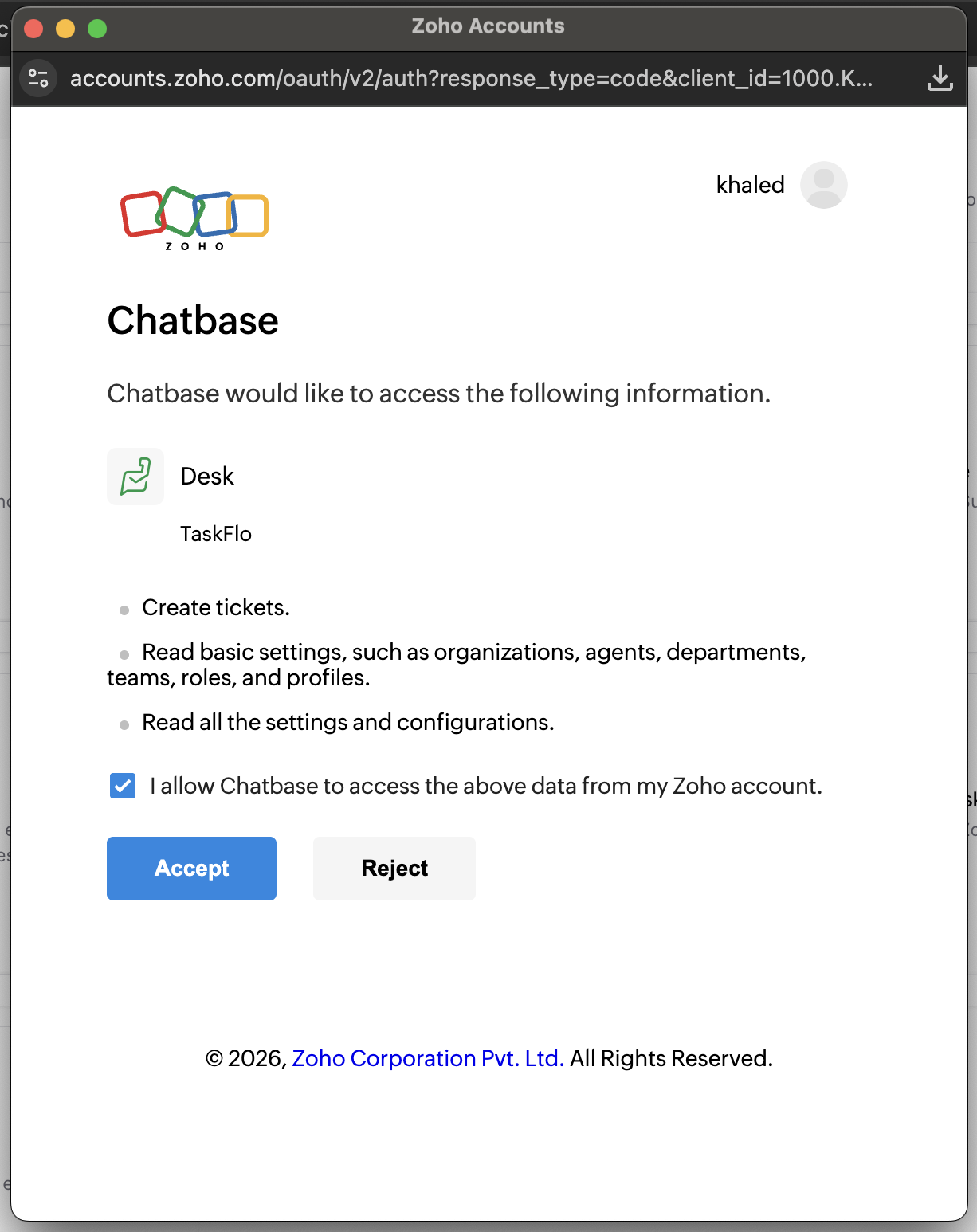
    zohodesk

Step 2: Create ‘Escalate to human’ action

Now you’re ready to configure your Escalate to Human action to route tickets to Zoho Desk. You can follow this step-by-step guide to set up the action properly.
That’s it! Your Zoho Desk integration is now fully set up and ready to go. Whenever human intervention is required, your Chatbase agent will automatically create a ticket in Zoho Desk with a summary of the user’s issue and relevant context, allowing your support team to step in and resolve the case seamlessly.