> ## Documentation Index
> Fetch the complete documentation index at: https://chatbase.co/docs/llms.txt
> Use this file to discover all available pages before exploring further.
# Usage
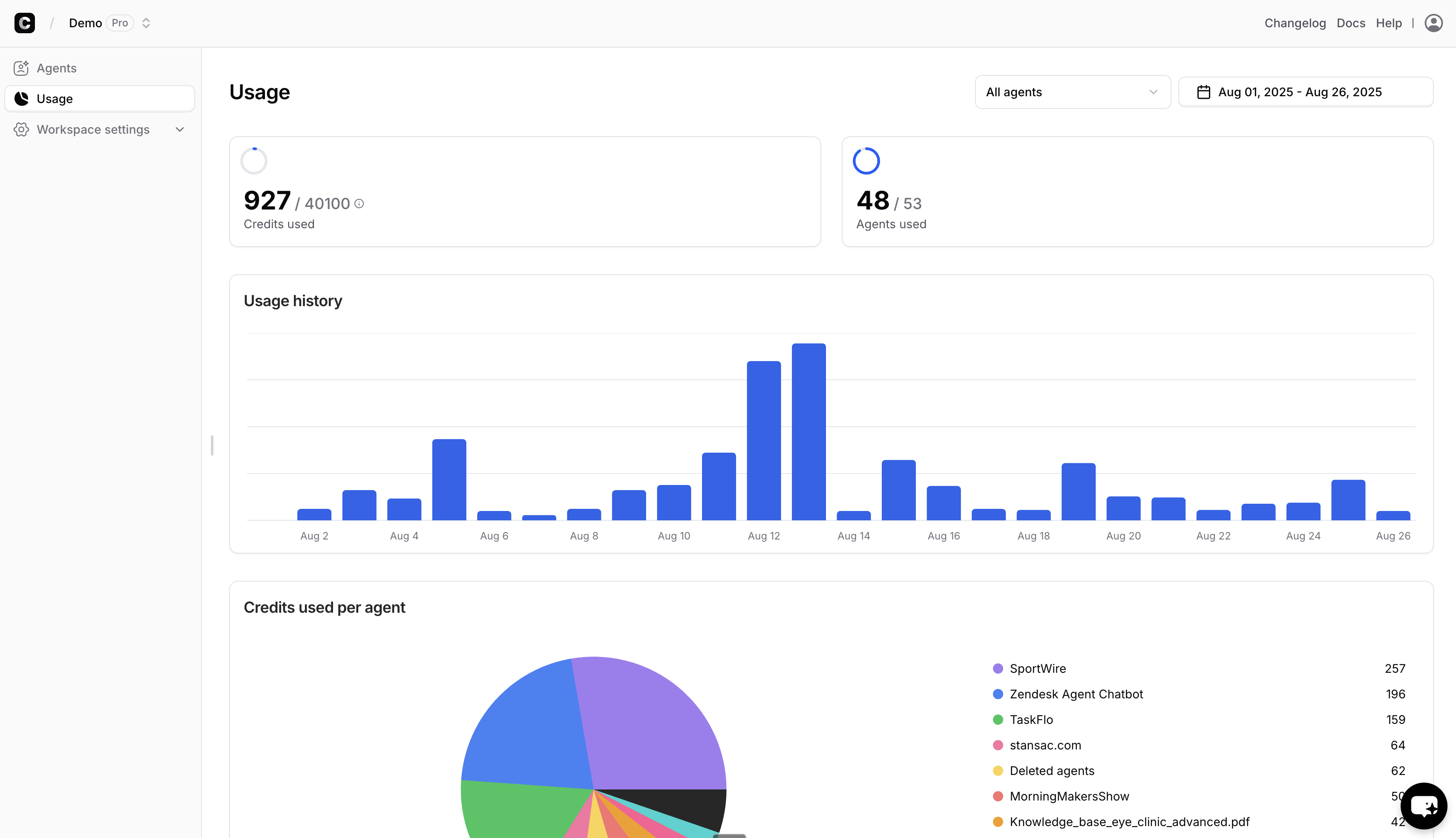
> This tab displays the usage details of all AI agents in the selected workspace. You can also filter usage data for a specific workspace.
By default, it shows the usage for all agents under your workspace for the current month.
 ## Configuration
### AI agents
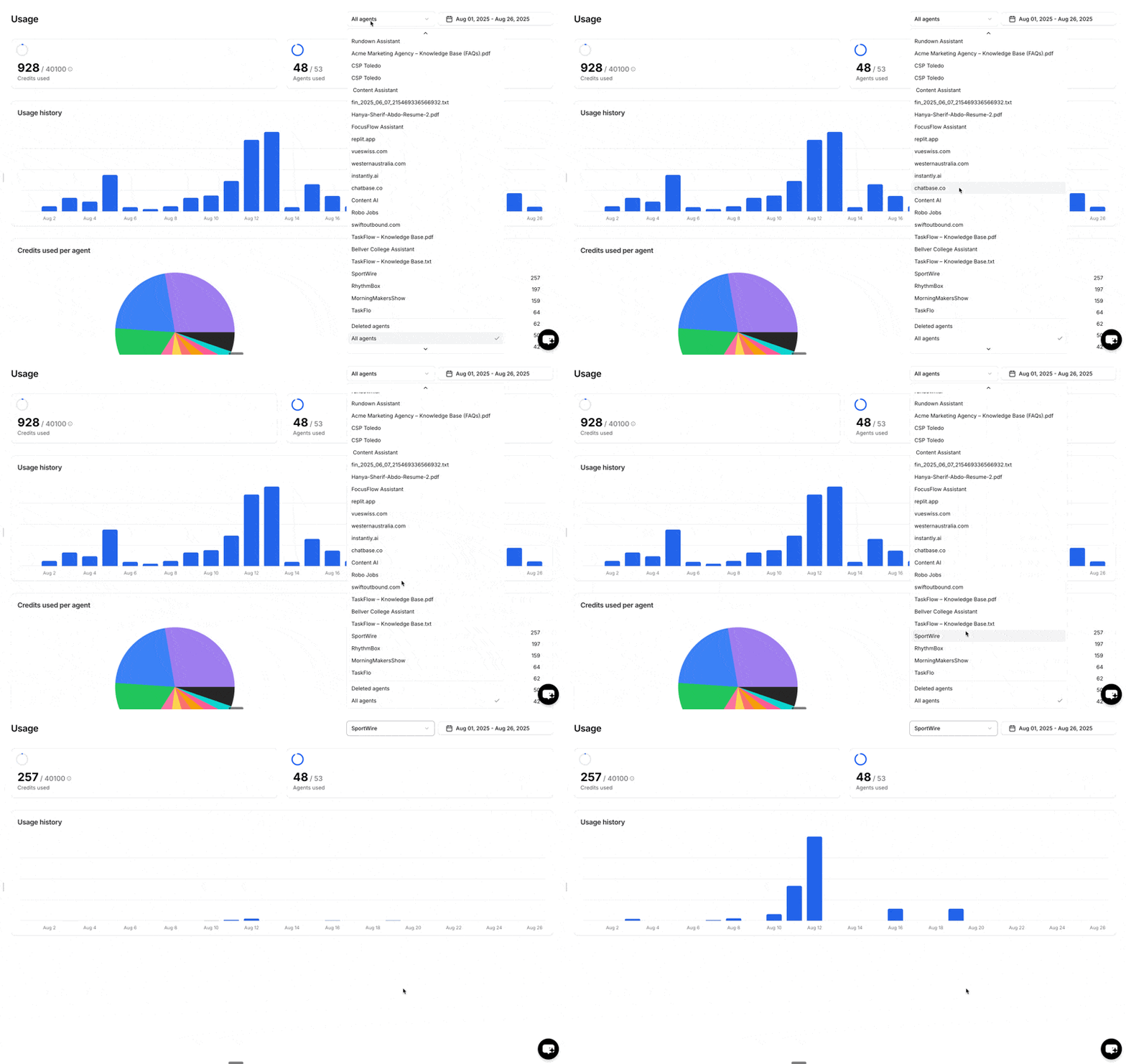
You can view usage for all your agents, a specific agent, or deleted agents to check the credits used by removed agents.
To switch between AI agents:
## Configuration
### AI agents
You can view usage for all your agents, a specific agent, or deleted agents to check the credits used by removed agents.
To switch between AI agents:
 ### Time Interval
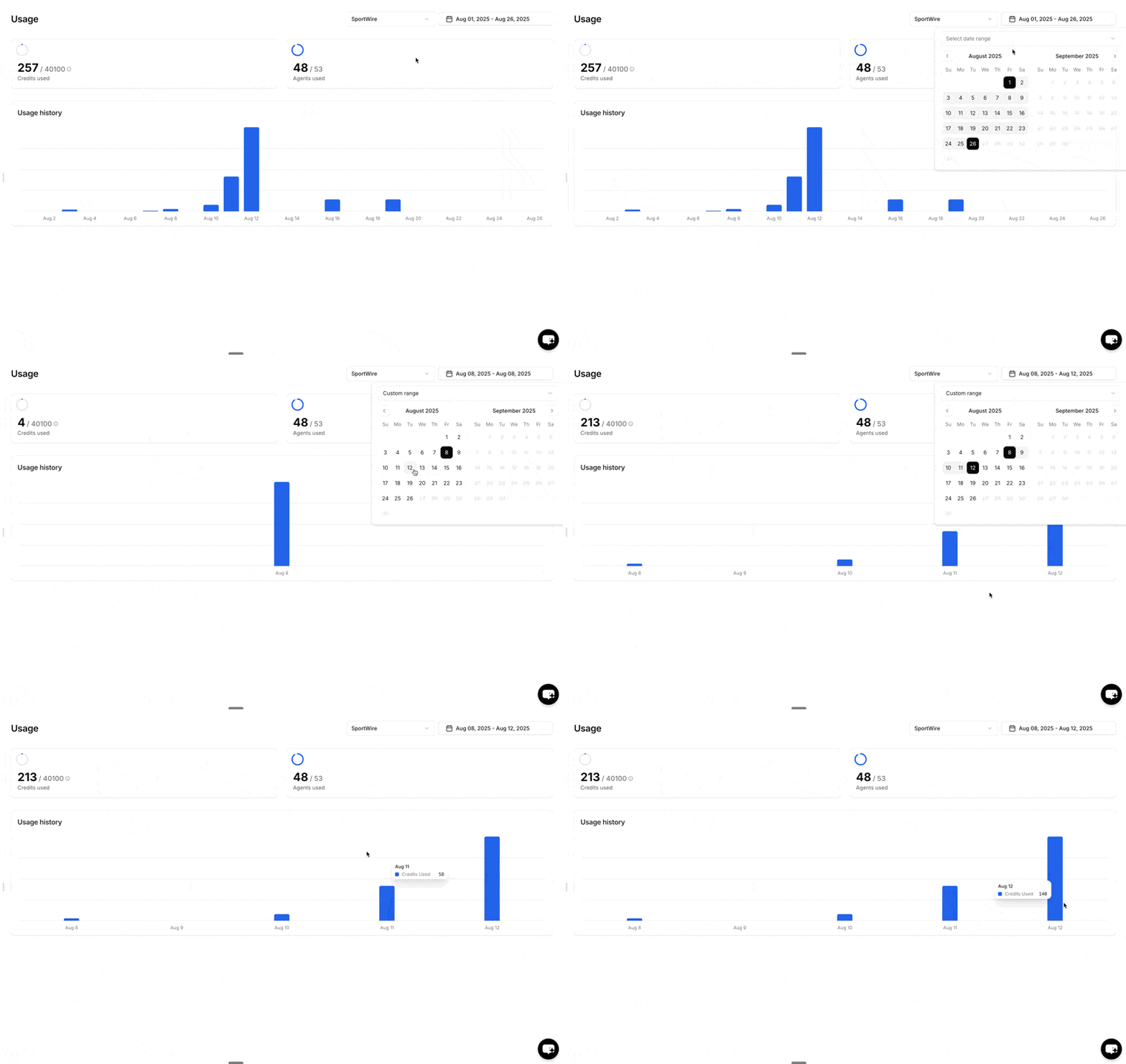
You can configure the time interval to view usage for a specific period, such as last week. The selected time interval is highlighted in blue, as shown below.
To adjust the time interval:
### Time Interval
You can configure the time interval to view usage for a specific period, such as last week. The selected time interval is highlighted in blue, as shown below.
To adjust the time interval:
 ## Usage Summary
This section shows a summary for credits used and the number of AI agents used within the time interval you specified.
### Credits Used
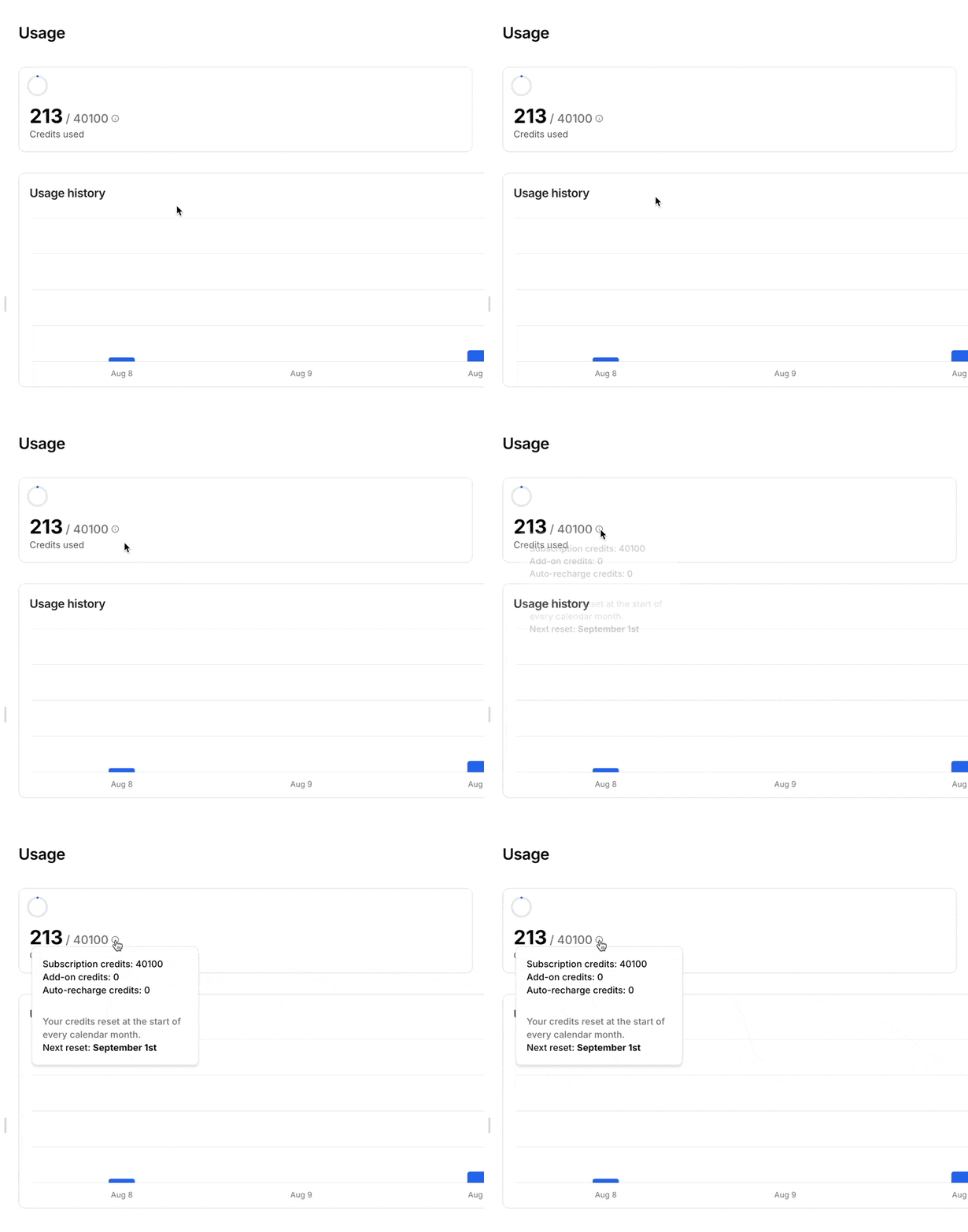
The section displays the number of message credits used. You can hover over the tooltip to see a detailed breakdown of the credits consumed.
## Usage Summary
This section shows a summary for credits used and the number of AI agents used within the time interval you specified.
### Credits Used
The section displays the number of message credits used. You can hover over the tooltip to see a detailed breakdown of the credits consumed.
 ### AI agents Used
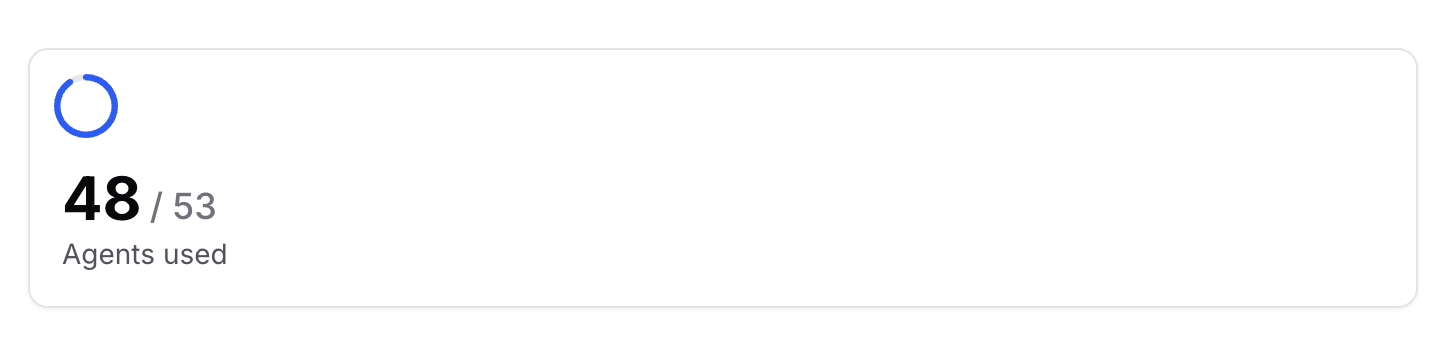
This section shows the number of AI agents in use compared to the total allowed. For example, this workspace has 4 AI agents out of a maximum of 60.
### AI agents Used
This section shows the number of AI agents in use compared to the total allowed. For example, this workspace has 4 AI agents out of a maximum of 60.
 ### Usage History
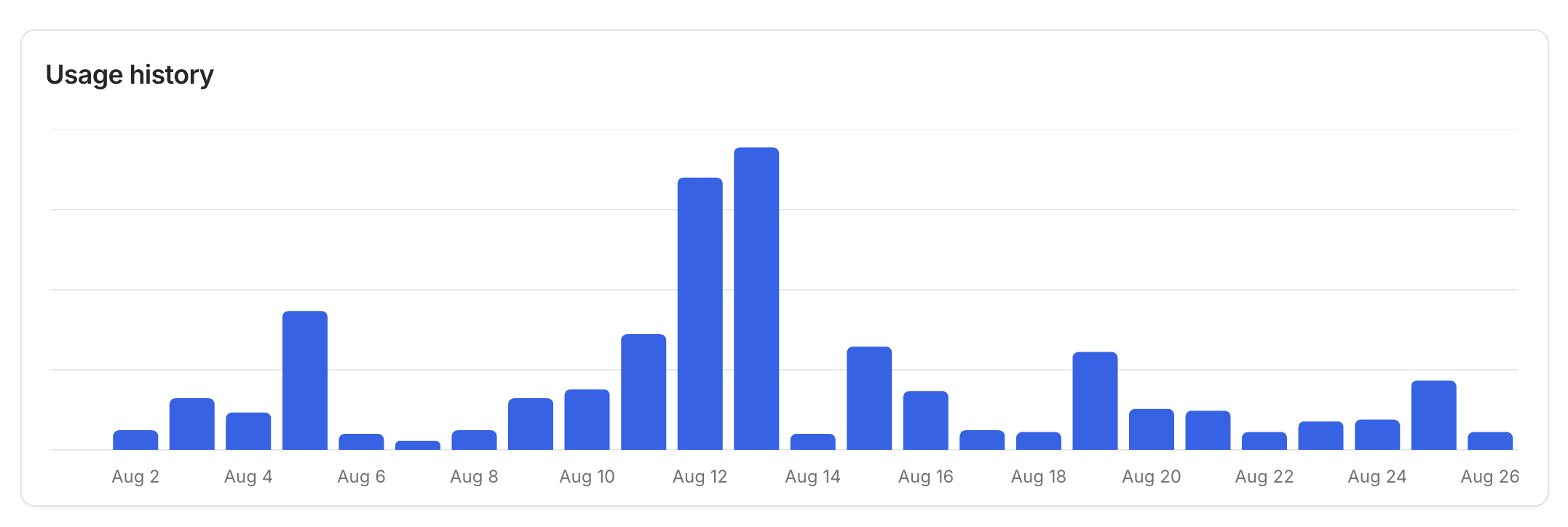
The usage history displays the number of message credits used per day for the selected time interval. Hover over a specific histogram to see the exact credits used on that day.
### Usage History
The usage history displays the number of message credits used per day for the selected time interval. Hover over a specific histogram to see the exact credits used on that day.
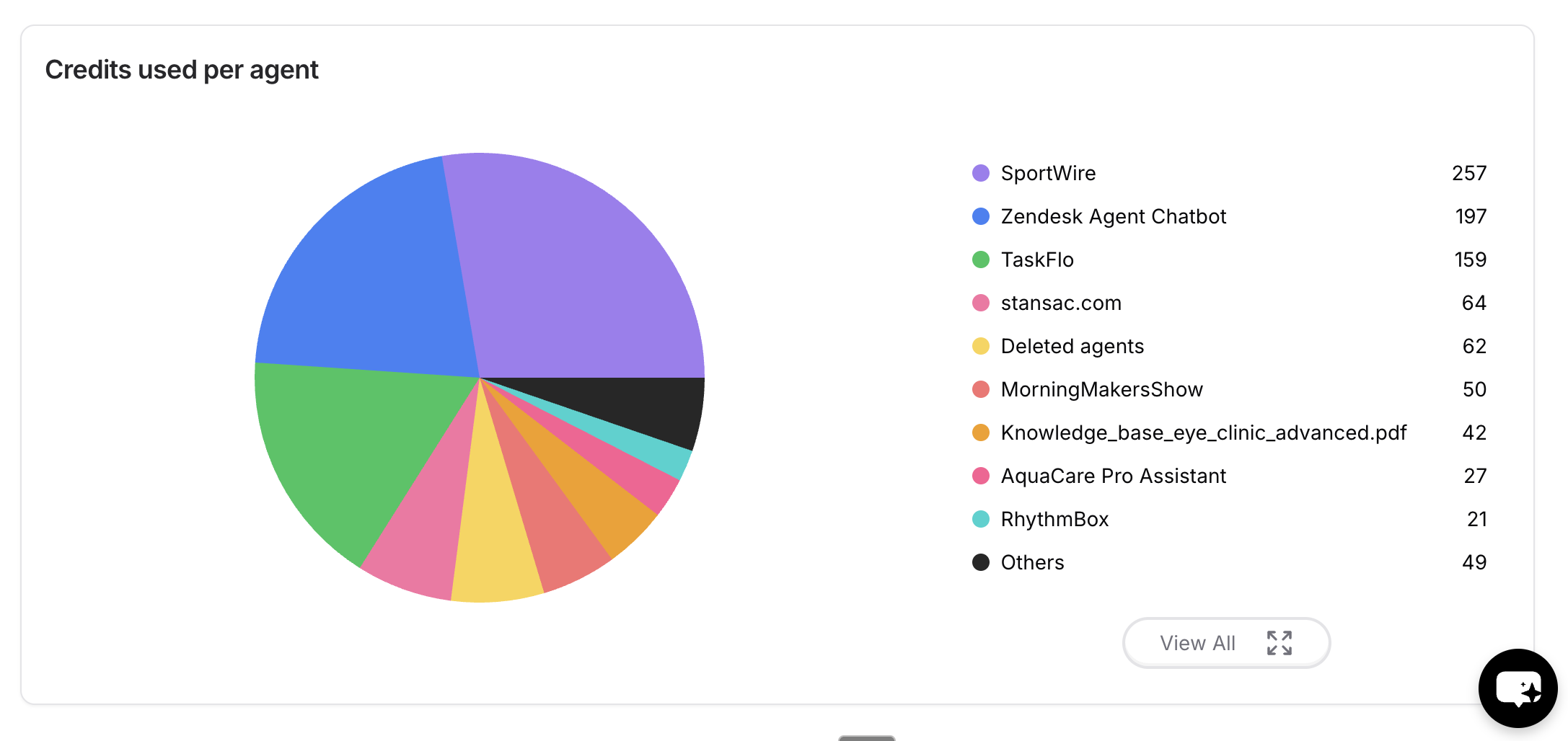
 ### Credits used per AI agent
This section compares credit usage across AI agents for the selected time interval.
Hover over any color in the pie chart to see the exact number of credits used by the AI agent assigned to that color.
### Credits used per AI agent
This section compares credit usage across AI agents for the selected time interval.
Hover over any color in the pie chart to see the exact number of credits used by the AI agent assigned to that color.