> ## Documentation Index
> Fetch the complete documentation index at: https://chatbase.co/docs/llms.txt
> Use this file to discover all available pages before exploring further.
# Analytics
## Chats
This tab displays the Analytics and activity of the AI Agent during the conversations. The tab includes three sections: Chats, Topics and Sentiment.
By default, it shows the activity for all AI Agents under your workspace for the last week.
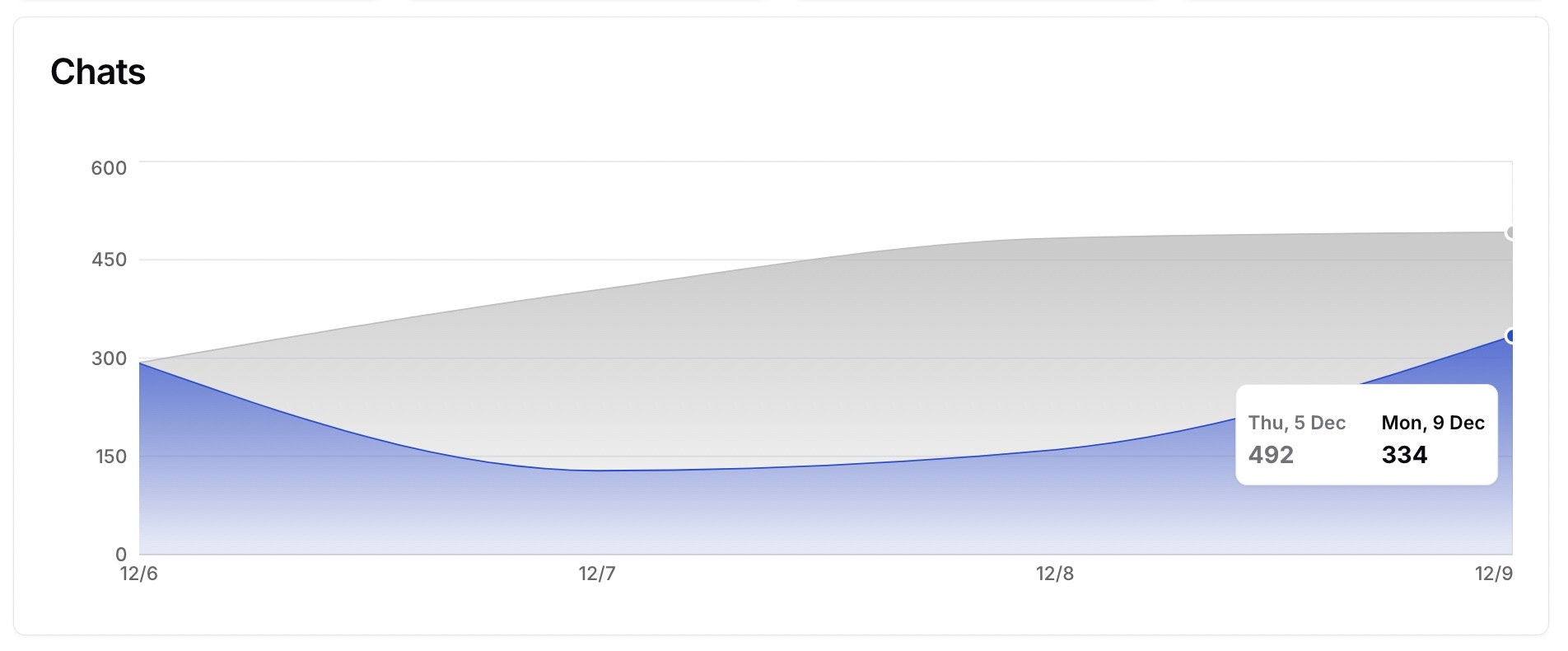 It shows the total number of chats, total number of messages, the messages that had thumbs up from the users and the messages that had thumbs down.
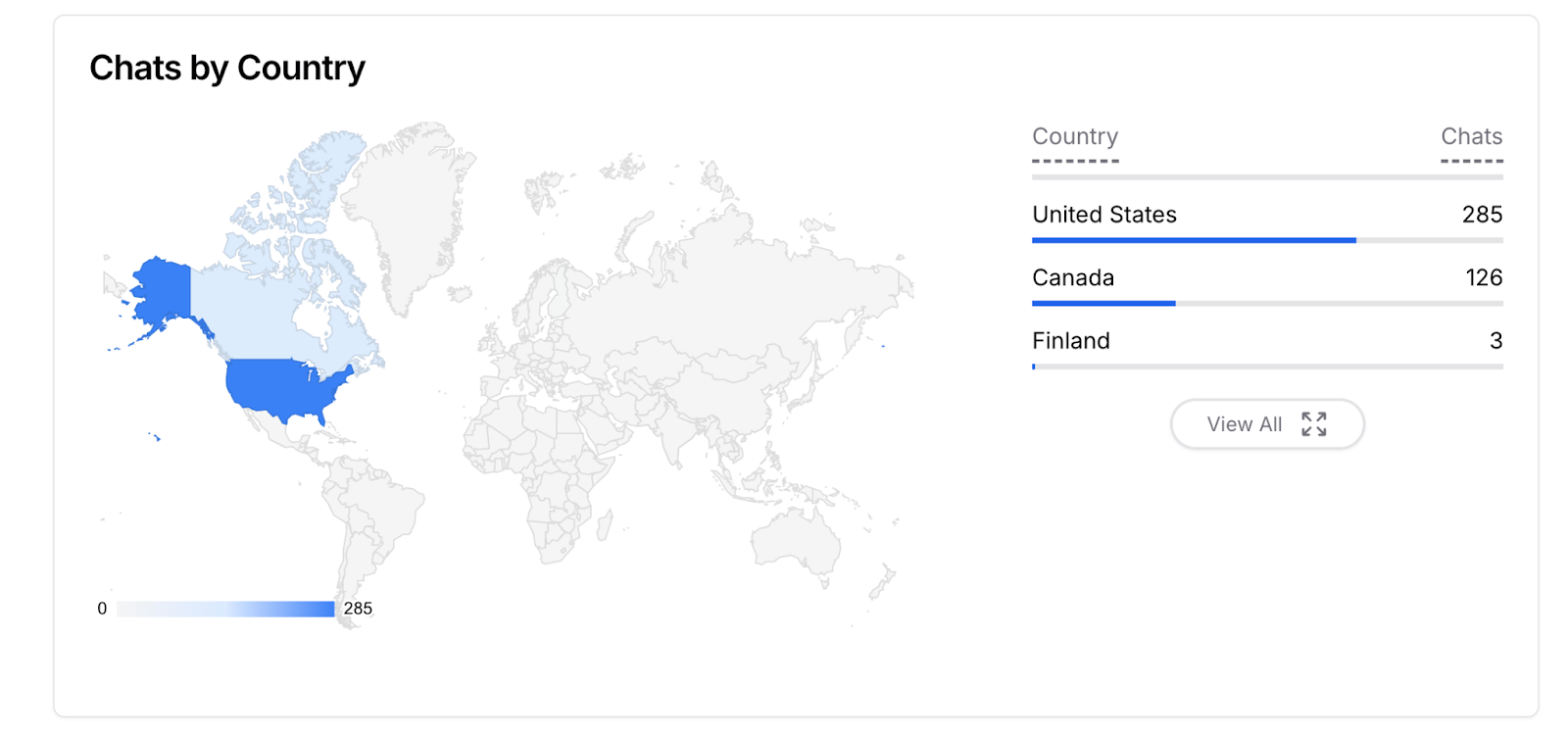
The graph below shows the number of chats per country. The countries are detected from the IP of the users having conversations with the AI Agent.
It shows the total number of chats, total number of messages, the messages that had thumbs up from the users and the messages that had thumbs down.
The graph below shows the number of chats per country. The countries are detected from the IP of the users having conversations with the AI Agent.
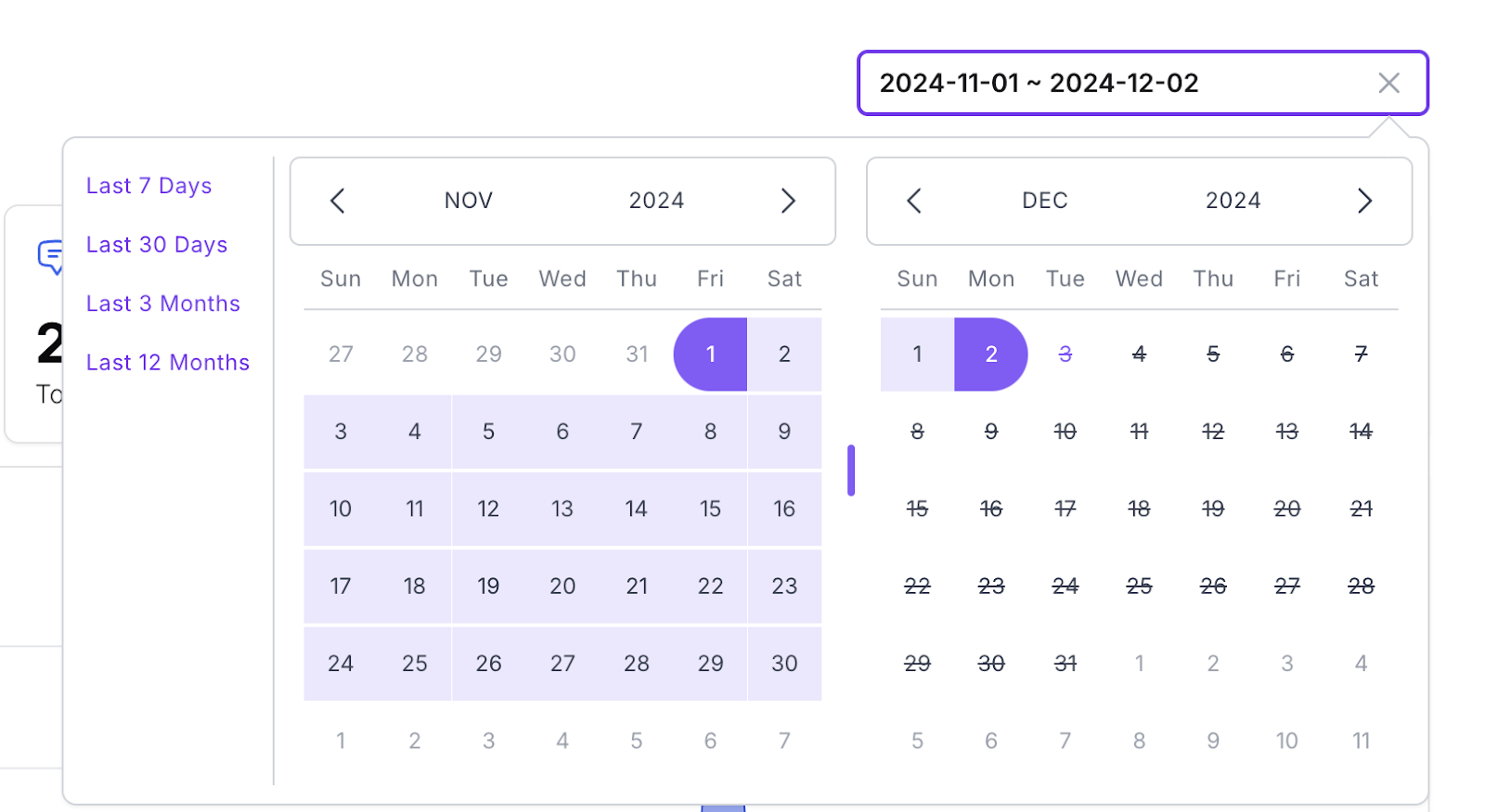
 You can always filter the data by date. There are pre-defined date filters such as last 7 days, last 30 days, last 3 months and last year.
 ## Topics
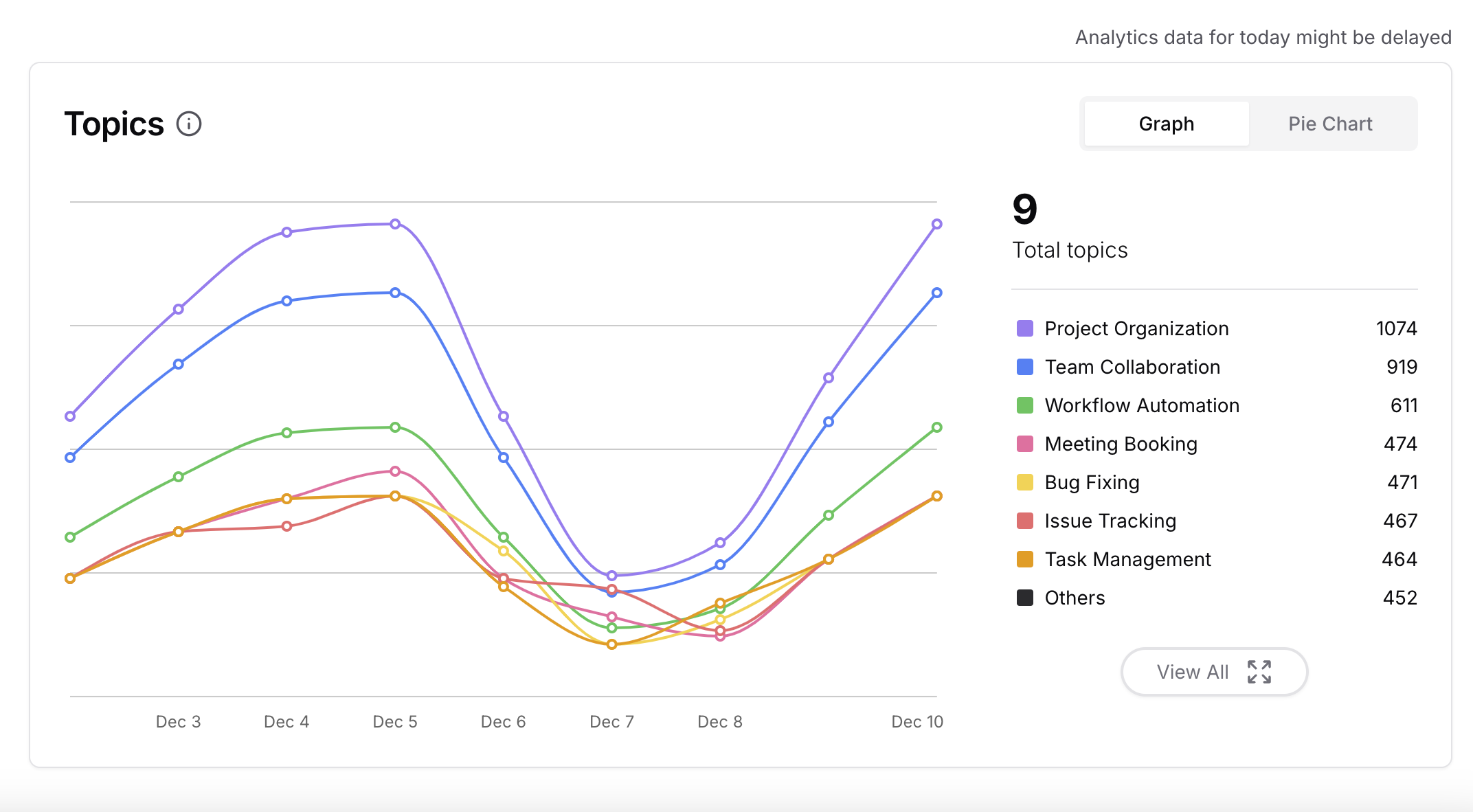
This section shows the topics that were included in the conversations and mentioned by the users.
## Topics
This section shows the topics that were included in the conversations and mentioned by the users.
 Topics Actions:
* Search topics
* Add topic
* Edit topic
* Delete topic
* Freeze topics: Stopping the AI Agent to detect any topics automatically.
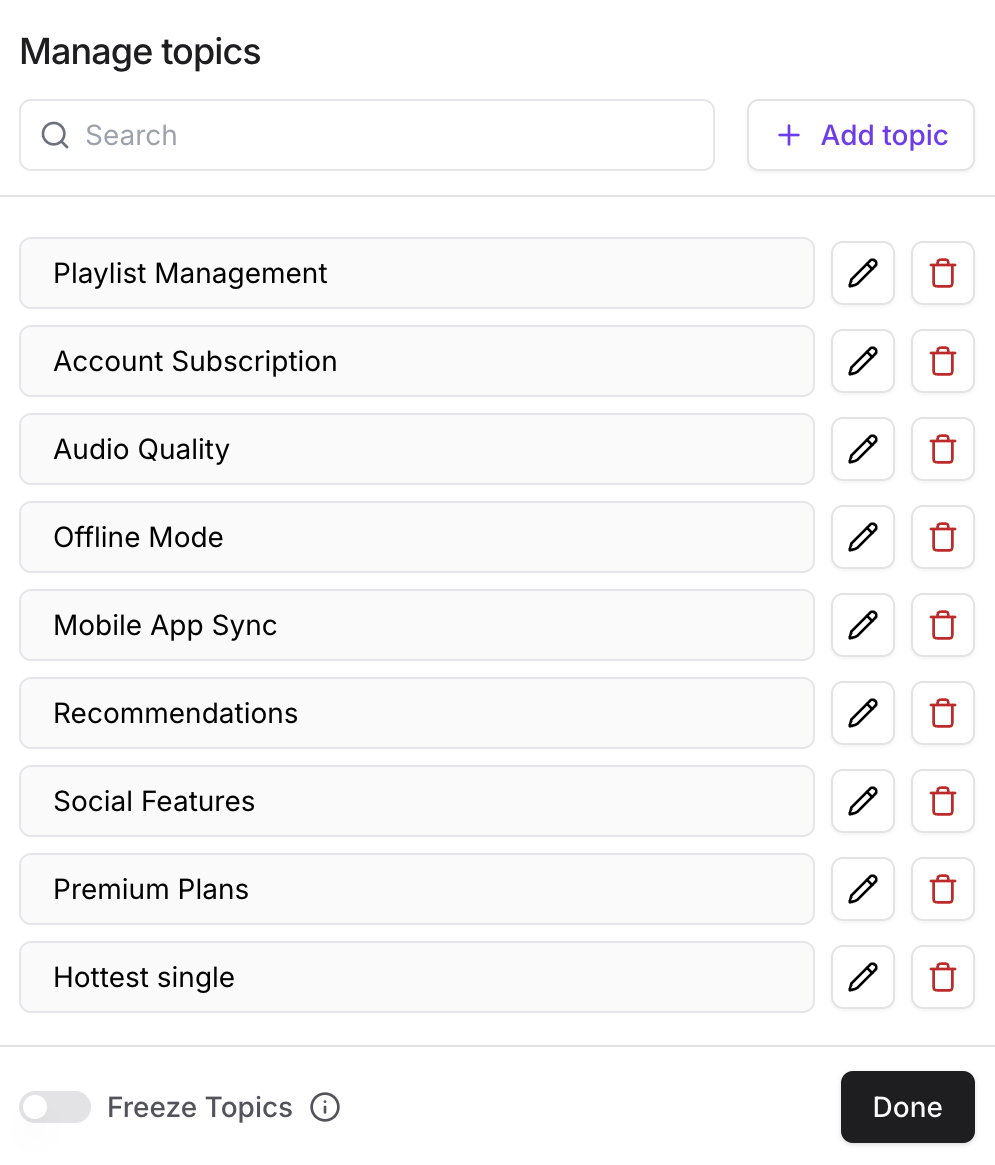
The topics are detected automatically by the AI Agent. However, you can add topics manually in the View All button in the the right of the page:
Topics Actions:
* Search topics
* Add topic
* Edit topic
* Delete topic
* Freeze topics: Stopping the AI Agent to detect any topics automatically.
The topics are detected automatically by the AI Agent. However, you can add topics manually in the View All button in the the right of the page:
 ## Sentiment
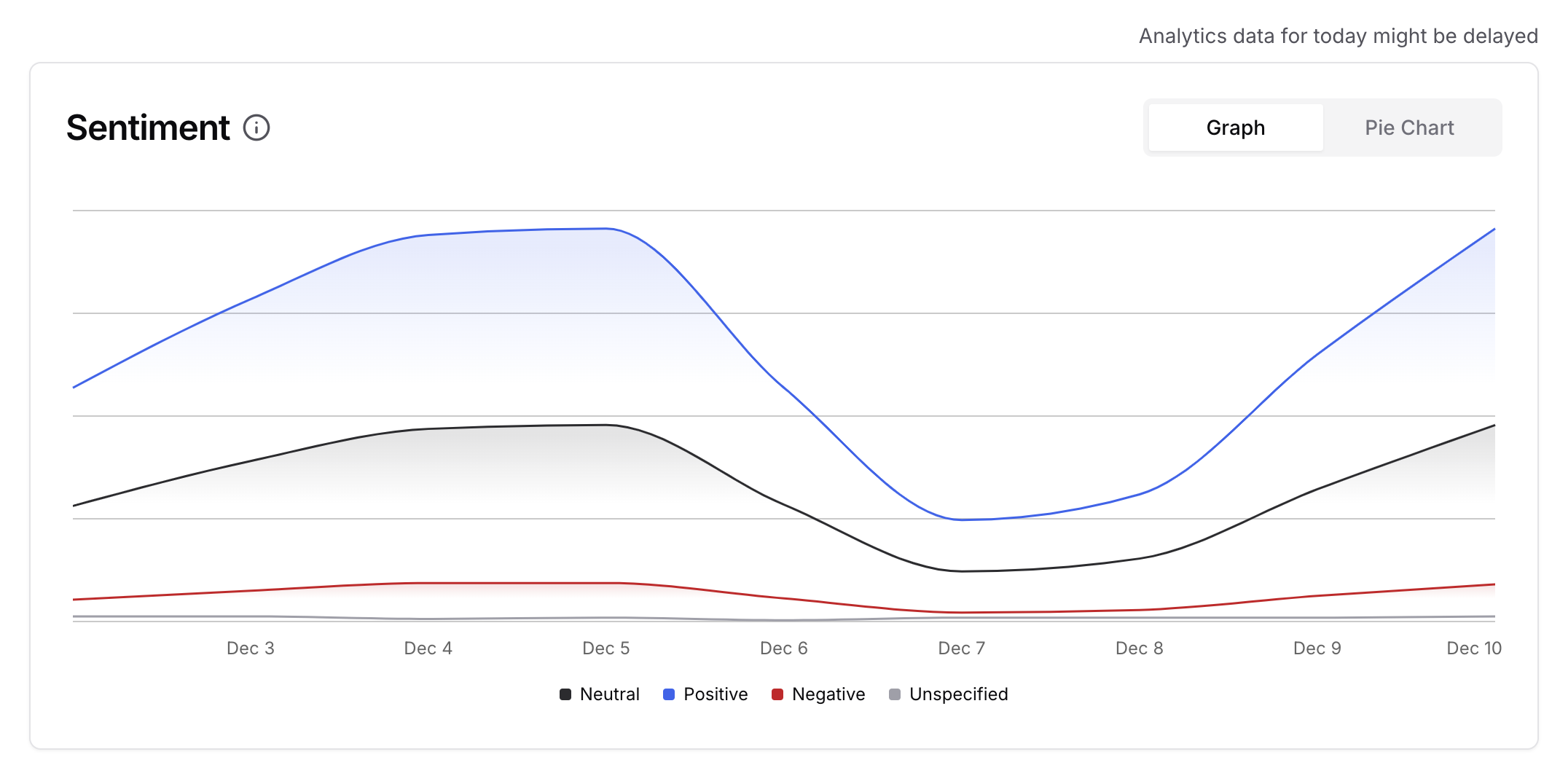
This section shows how the AI Agent detects the sentiment and emotion of the users during the conversations. The sentiment analysis is detected automatically by the AI Agent.
## Sentiment
This section shows how the AI Agent detects the sentiment and emotion of the users during the conversations. The sentiment analysis is detected automatically by the AI Agent.
 ## Notes
Analytics data is updated with a 1-day delay, reflecting the previous day's information.
Data is recorded once the user subscribes to a specific plan. Topics and sentiment data will only be available after the upgrade; any data from before the upgrade will not be included.
The Activity Tab shows data per chat for users, while the Analytics Tab aggregates the information, including topics, sentiment, and thumbs down.
Analytics can be viewed as either a pie chart or a graph.
The analytics page displays the total number of messages, including all conversation messages. However, credits are only calculated for AI-generated responses, excluding the initial messages.
## Notes
Analytics data is updated with a 1-day delay, reflecting the previous day's information.
Data is recorded once the user subscribes to a specific plan. Topics and sentiment data will only be available after the upgrade; any data from before the upgrade will not be included.
The Activity Tab shows data per chat for users, while the Analytics Tab aggregates the information, including topics, sentiment, and thumbs down.
Analytics can be viewed as either a pie chart or a graph.
The analytics page displays the total number of messages, including all conversation messages. However, credits are only calculated for AI-generated responses, excluding the initial messages.