> ## Documentation Index
> Fetch the complete documentation index at: https://chatbase.co/docs/llms.txt
> Use this file to discover all available pages before exploring further.
# Web Search
### Web Search
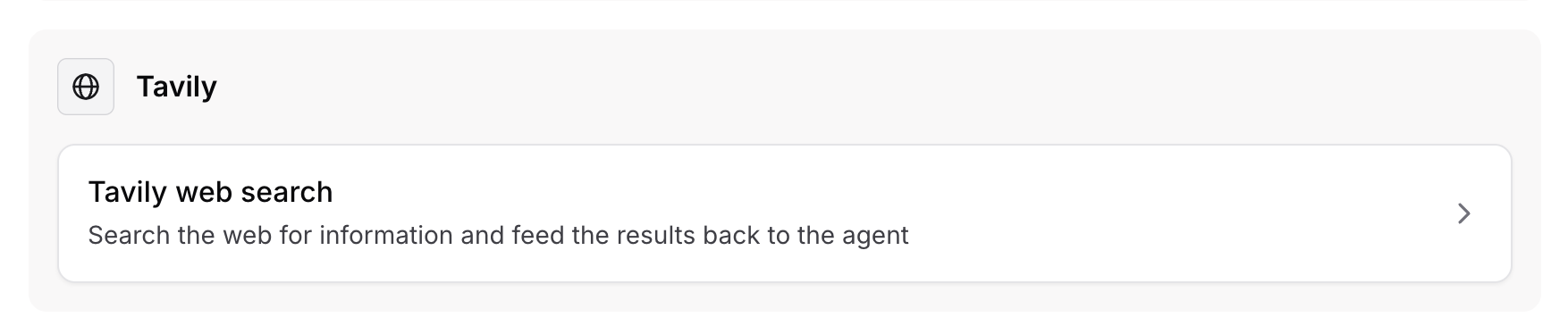
The Web Search action allows the AI Agent to browse the web for information and feed the results back to the AI Agent.
 #### When to use
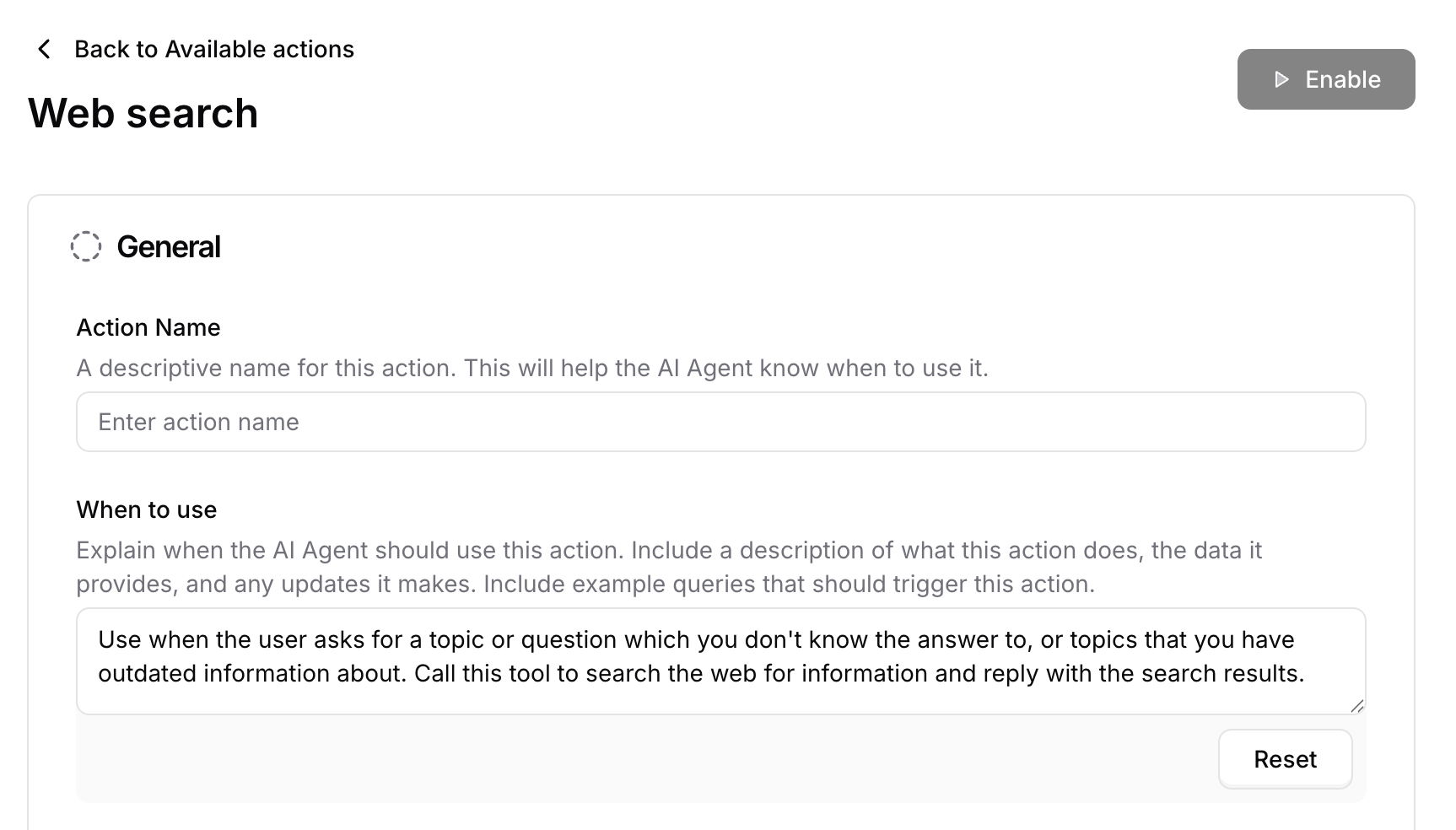
This is where you specify the name of the Action and when exactly this action should be triggered or what type of customer queries would trigger it. You can also add in some instructions that the bot should adhere to when this action is triggered.
The web search action can be used as an additional source of information where the AI agent can get some information that isn't available in the sources. It's recommended to add websites that are related to your business field.
#### When to use
This is where you specify the name of the Action and when exactly this action should be triggered or what type of customer queries would trigger it. You can also add in some instructions that the bot should adhere to when this action is triggered.
The web search action can be used as an additional source of information where the AI agent can get some information that isn't available in the sources. It's recommended to add websites that are related to your business field.
 #### Include images
This allows the AI agent to provide images as replies to the users elaborating the answer provided.
#### Include images
This allows the AI agent to provide images as replies to the users elaborating the answer provided.
 #### Included domains
This option allows you to add specific domains that the AI agent can use to search the answer. If you didn't add any domains, the AI agent will search over the whole web.
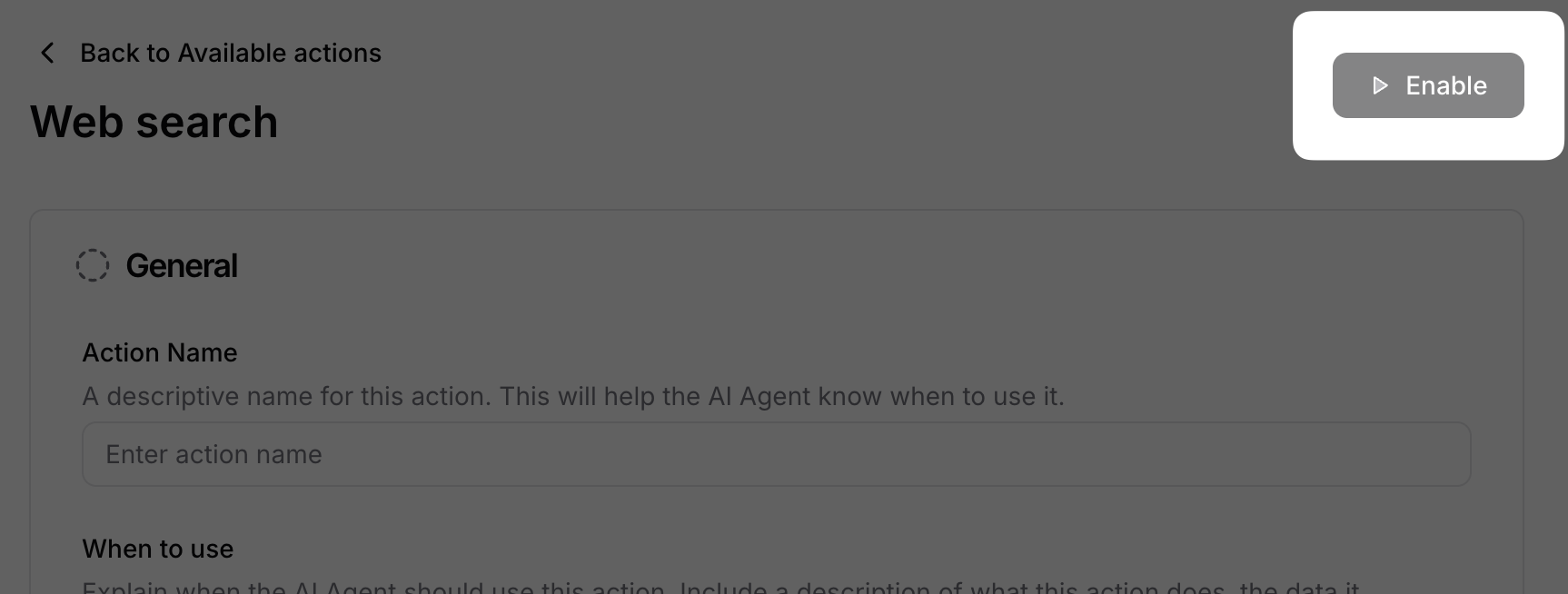
Once you're done, press Enable and your Action will be live and ready for your Agent to use.
#### Included domains
This option allows you to add specific domains that the AI agent can use to search the answer. If you didn't add any domains, the AI agent will search over the whole web.
Once you're done, press Enable and your Action will be live and ready for your Agent to use.